FASTAG ERROR & TROUBLESHOOTING
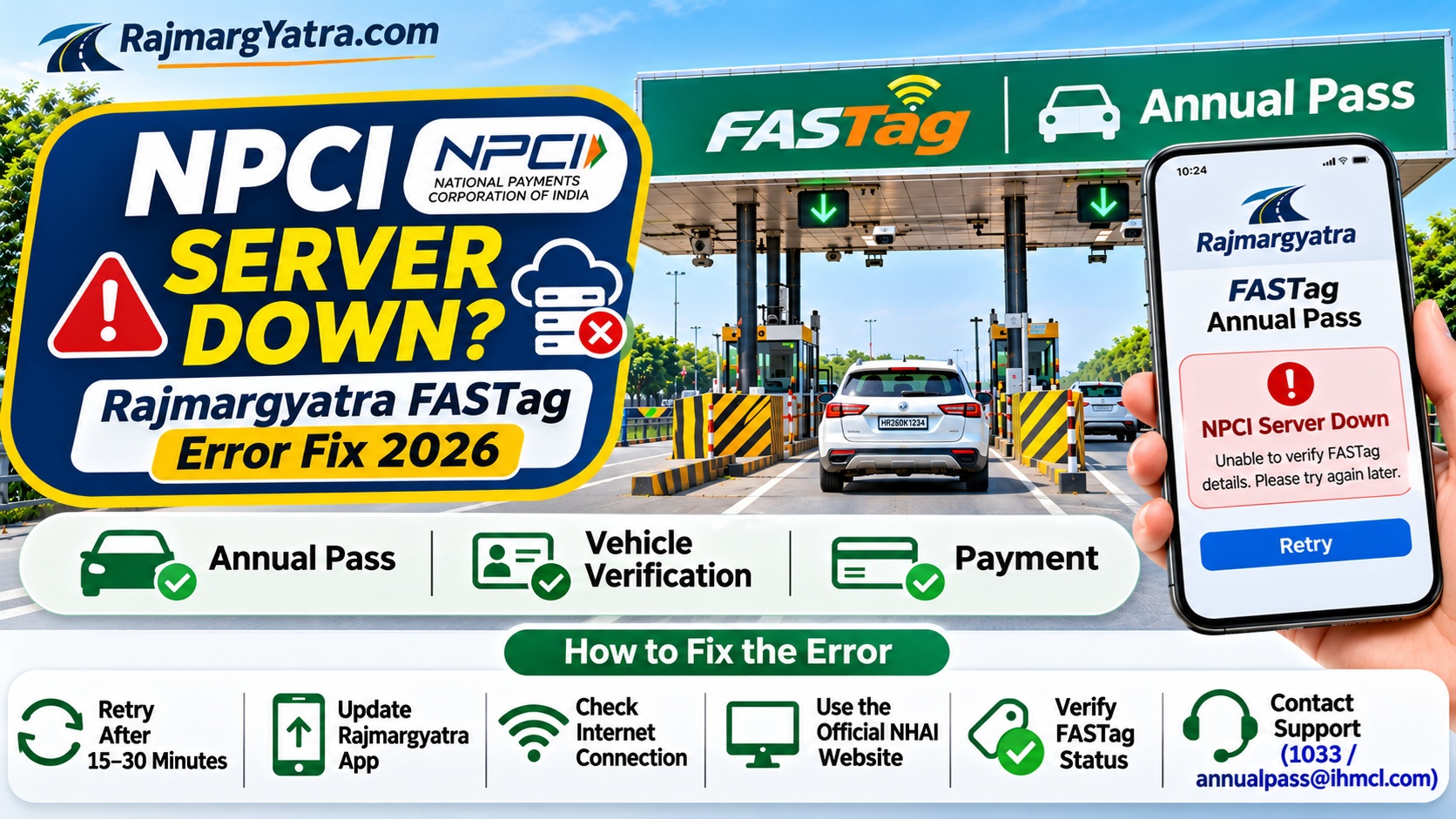
NPCI Server Down Rajmargyatra: FASTag Annual Pass Error Fix 2026
Resolve NPCI server errors, vehicle verification failures and FASTag Annual Pass booking problems.
Quick Answer
The NPCI Server Down error on Rajmargyatra may occur when the application cannot retrieve FASTag or vehicle information from the relevant backend services. Close the app, check your internet connection and retry after 15–30 minutes. Alternatively, use the official NHAI Annual Pass website. If money has already been deducted, do not pay again until you verify the original transaction. For persistent problems, call 1033 or email annualpass@ihmcl.com.
Are you getting an NPCI Server Down message while trying to purchase the FASTag Annual Pass through the Rajmargyatra app?
The error may prevent motorists from checking vehicle eligibility, retrieving FASTag information or proceeding with the ₹3,075 Annual Pass purchase.
Although the message refers to NPCI, it does not necessarily mean that the entire National Payments Corporation of India network is unavailable. The problem could involve communication between Rajmargyatra, FASTag issuers and the NETC platform.
NPCI Server Status — 27 November 2026
A nationwide NPCI FASTag outage has not been independently confirmed through an official announcement at the time of publication. Individual users may still experience intermittent verification, booking or payment errors. This article is a troubleshooting guide, not a live outage monitoring service.
What Does NPCI Server Down Mean on Rajmargyatra?
NPCI operates the National Electronic Toll Collection (NETC) network, which supports electronic toll payments using FASTag.
When you enter your vehicle registration number to apply for an Annual Pass, the system needs to validate the vehicle and its associated FASTag.
If the relevant service fails to respond successfully, Rajmargyatra may display a server or network error.
Related Error Messages
- NPCI Server Down
- NPCI returned error
- Unable to fetch FASTag details
- Network Error
- Vehicle verification failed
- Something went wrong
- No Annual Pass found
- Unable to process request
These messages can have different underlying causes. A network error alone does not establish that your FASTag has been blacklisted or deactivated.
Why Is NPCI Server Down on Rajmargyatra?
| Possible Cause | Recommended Solution |
|---|---|
| Temporary backend failure | Wait and retry later |
| Server maintenance | Check official announcements |
| Outdated Rajmargyatra app | Install the latest version |
| Incorrect vehicle number | Verify registration details |
| FASTag record mismatch | Contact the issuing bank |
| Unstable internet connection | Switch between Wi-Fi and mobile data |
| Payment verification delay | Check transaction status before paying again |
These are possible explanations, not confirmed causes of a specific current outage.
How to Fix NPCI Server Down Error on Rajmargyatra
Fix 1: Wait and Retry After 15–30 Minutes
Temporary backend failures may resolve without requiring any changes to your account.
- Close the Rajmargyatra application.
- Wait approximately 15–30 minutes.
- Open the application again.
- Enter your vehicle registration number.
- Retry the eligibility verification.
This is a suggested troubleshooting interval, not an official server restoration timeframe.
Fix 2: Use the Official Rajmargyatra Website
If the Android or iPhone application displays an NPCI server error, try accessing the Annual Pass service through a web browser.
Official NHAI FASTag Annual Pass Website
Open Official Annual Pass PortalThis link opens the official NHAI government website, separate from RajmargYatra.com.
- Open the official website.
- Select the Annual Pass booking option.
- Enter your vehicle registration number.
- Complete the requested eligibility verification.
- Proceed only if the correct vehicle and FASTag details are displayed.
If both the website and application display similar errors, a shared backend problem is possible. Switching devices will not necessarily resolve it.
Fix 3: Update the Rajmargyatra App
An outdated application may encounter compatibility issues with updated backend services.
- Open Google Play Store or Apple App Store.
- Search for Rajmargyatra.
- Verify that it is the genuine NHAI application.
- Install any available update.
- Restart the application and try again.
The official application’s support team has recommended installing the latest available version when users encounter technical difficulties.
Fix 4: Clear Rajmargyatra App Cache
Android users can try clearing temporary application files.
- Open your phone’s Settings.
- Select Apps or Manage Apps.
- Find Rajmargyatra.
- Open Storage or Storage and Cache.
- Select Clear Cache.
- Restart the application.
Avoid clearing all application data unnecessarily because it may remove your saved login information and local preferences.
For iPhone users, close the application completely, check for updates and restart the device.
Fix 5: Switch Your Internet Connection
A connection timeout may prevent the application from retrieving FASTag details.
- Switch from Wi-Fi to mobile data or vice versa.
- Temporarily disable a VPN if you are using one.
- Ensure your browser has a stable connection.
- Retry using another trusted network.
Do not complete financial transactions using unsecured public Wi-Fi networks.
Fix 6: Check Your FASTag Status Separately
Before purchasing the Annual Pass, confirm whether your existing FASTag is active and correctly associated with your vehicle.
Official NPCI FASTag Status Service
Check NETC FASTag StatusYou can also verify your FASTag through its issuing bank’s official application or customer support service.
If the FASTag status service is unavailable, contact your issuing bank rather than assuming the tag has been cancelled.
Fix 7: Verify Your Vehicle Registration Number
Check that the vehicle registration number entered on Rajmargyatra matches the Registration Certificate and the FASTag issuer’s records.
Recently purchased vehicles, replacement FASTags and ownership transfers may require additional verification or updates to existing records.
If the vehicle number does not match the issuer’s FASTag records, request a correction through the issuing bank.
NPCI Server Down While Buying ₹3,075 FASTag Annual Pass
The FASTag Annual Pass costs ₹3,075 for FY 2026–27 and provides up to 200 eligible toll crossings or 12 months of validity, whichever comes first.
When applying for the Annual Pass, motorists may encounter an error at different stages of the purchase.
| Error Stage | What You Should Do |
|---|---|
| Vehicle number verification | Check vehicle and FASTag records |
| Before payment | Retry later using the official portal |
| During payment | Verify whether money was debited |
| After successful payment | Do not pay again; check activation and contact support |
| Existing pass not visible | Check the original account and contact support |
Money Deducted but Annual Pass Not Activated?
Important: Avoid Duplicate Payments
If ₹3,075 has already been deducted from your bank account or UPI account, do not immediately purchase another Annual Pass. First establish whether the original transaction succeeded and whether the pass is awaiting activation.
Follow these steps if payment was successful but the Annual Pass does not appear in your account:
- Check your bank statement or UPI transaction history.
- Save the payment reference number.
- Record the payment date, time and amount.
- Sign in to the original Rajmargyatra account.
- Check the Annual Pass dashboard.
- Contact the official Annual Pass support team if the issue remains unresolved.
The official Annual Pass terms allow refunds when payment succeeds but the pass cannot be issued because of a technical or system failure.
The terms also advise users experiencing payment failure to retry or contact customer support within 24 hours. If your account has been debited, verify the original transaction before attempting another payment.
A successfully activated Annual Pass is generally non-refundable and non-cancellable. There is no guaranteed refund completion date stated here.
Will an NPCI Server Error Affect My Existing Annual Pass?
An application error does not automatically mean that an existing Annual Pass has been cancelled.
The problem may only affect the application’s ability to display account information or retrieve your remaining crossings.
However, a wider toll-processing disruption could affect transactions. Do not assume that every active pass will operate normally during a technical failure.
Before travelling, check the pass validity and FASTag status through the available official services.
If a toll plaza deducts money despite your valid Annual Pass, retain the transaction details and report the possible incorrect deduction to the appropriate support channel.
How to Complain About NPCI Server Down on Rajmargyatra
NHAI introduced the MargMitra Help Centre within the official Rajmargyatra app in July 2026. It provides assistance with FASTag services, refund enquiries, Annual Pass issues and complaint registration.
Official Rajmargyatra Customer Support
National Highways Helpline
1033
Annual Pass support email:
annualpass@ihmcl.com
General Rajmargyatra app support:
rajmargyatra@nhai.org
Online support: Use MargMitra or the complaint facility within the official Rajmargyatra app.
Official website:
rajmargyatra.nhai.gov.in
Information to Include in Your Complaint
- Vehicle registration number
- FASTag issuing bank
- Exact error message
- Date and time of the error
- Application version
- Payment reference, if applicable
- Screenshot of the error
Send information only through verified official channels. Never include your UPI PIN, OTP, banking password or complete card details.
Sample Complaint Email for NPCI Server Error
To: annualpass@ihmcl.com
Subject: NPCI Server Down Error – FASTag Annual Pass
Dear Annual Pass Support Team,
I am unable to complete my FASTag Annual Pass application through the official Rajmargyatra service because it displays an NPCI Server Down error.
Please investigate the issue and confirm whether my vehicle and FASTag are eligible for the Annual Pass.
Vehicle Registration Number:
FASTag Issuing Bank:
Date and Time of Error:
Payment Status:
Transaction Reference (if applicable):
I have attached a screenshot of the error for your reference.
Please assist me in resolving this problem and confirm the next steps.
Thank you.
How Long Will the NPCI Server Remain Down?
There is no confirmed restoration timeframe for the individual Rajmargyatra server error.
It depends on whether the problem involves scheduled maintenance, a temporary communication failure, the issuing bank, vehicle records or payment verification.
Users who have not completed payment can retry later. Those who have already paid should verify their transaction and contact official support if activation remains incomplete.
Frequently Asked Questions
1. Is the NPCI server down today?
A nationwide NPCI FASTag outage has not been officially confirmed at the time of publication on 27 November 2026. Individual Rajmargyatra users may experience intermittent service errors.
2. Why does Rajmargyatra show NPCI Server Down?
The message may indicate that the service could not retrieve or verify FASTag information. Backend timeouts, communication failures and other technical problems are possible causes.
3. Can I purchase the Annual Pass without the app?
Yes. Use the official NHAI Annual Pass website. However, if both services depend on an affected backend, the website may encounter the same error.
4. Should I buy a new FASTag to resolve this error?
No. A server error alone does not establish that your FASTag is invalid. Check its status and contact the issuer before considering a replacement.
5. What if ₹3,075 is deducted twice?
Save both transaction references and contact the official Annual Pass support team and your payment provider. Do not initiate further purchases until the transactions are investigated.
6. What is the Rajmargyatra customer care number?
The National Highways helpline is 1033. The official Annual Pass support email is annualpass@ihmcl.com.
7. Can clearing the app cache fix NPCI Server Down?
It may help if the issue involves temporary application files. It cannot restore an unavailable backend server.
8. Does NPCI Server Down mean my FASTag is blacklisted?
No. A communication or server error is not proof of blacklisting. Confirm the tag status separately through an official service or your issuing bank.
Official Resources
- NHAI Official Annual Pass Portal
- Official Annual Pass FAQs
- Annual Pass Payment and Refund Terms
- NPCI NETC FASTag Status Check
- Government Announcement on MargMitra Help Centre
Related FASTag Guides
- How to Buy FASTag Annual Pass Online
- FASTag Annual Pass Status Check
- FASTag Status Check With Vehicle Number
- FASTag Blacklisted? Reasons and Fixes
- FASTag Deducted Twice? Refund Guide
- How to Check FASTag Balance
Conclusion
If Rajmargyatra displays the NPCI Server Down error, retry after a short interval, update the application and check the official NHAI Annual Pass website. Verify your FASTag and vehicle information independently. If money has already been deducted, avoid duplicate payments and report the problem through 1033 or annualpass@ihmcl.com.
Editorial Information
Last updated: 27 November 2026
References: NHAI Annual Pass portal, official terms and conditions, Rajmargyatra application support and Ministry of Road Transport and Highways announcements.
Read our Editorial Policy and Corrections Policy.
Independent Website Disclaimer
RajmargYatra.com is an independent informational website and is not the official NHAI Rajmargyatra portal. We are not affiliated with, authorised by or endorsed by NHAI, NPCI, IHMCL or any government organisation. We do not access NPCI servers, issue FASTags, activate Annual Passes, collect vehicle details, process payments or provide official customer support. Users should contact authorised government services for account-specific assistance.