Quick Answer
Can FASTag Be Recharged with Vehicle Number?
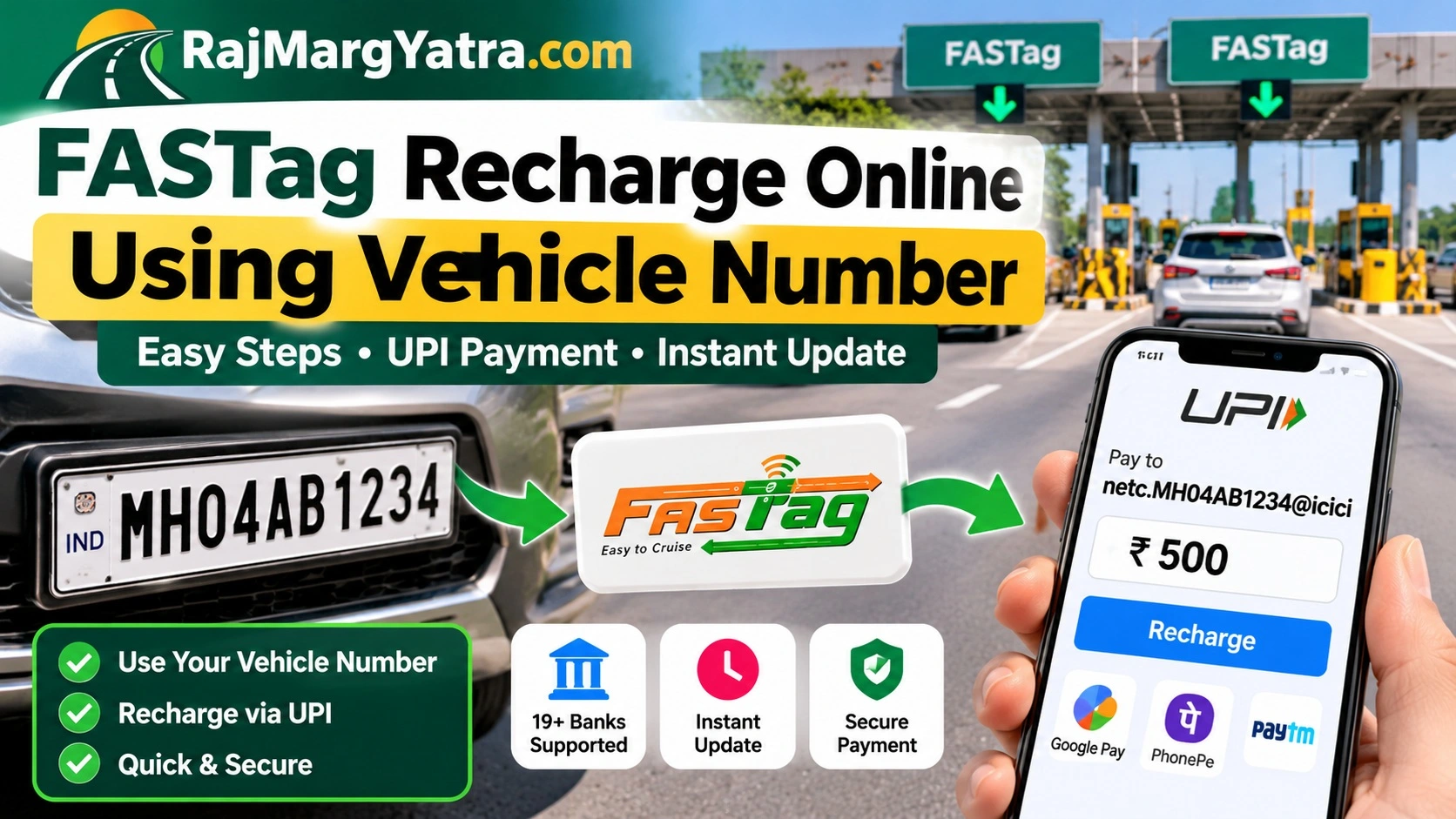
Yes—supported FASTags can be recharged through UPI using the vehicle registration number and the FASTag issuer bank's UPI handle. The official format is netc.VEHICLENUMBER@BANKUPIHANDLE. Verify the UPI ID before paying. Do not guess the bank handle.
EXAMPLE
Vehicle: MH04AB1234
Issuer: ICICI Bank
UPI ID: netc.MH04AB1234@icici
Step by Step
Recharge with Google Pay, PhonePe or Any UPI App
Find Your Issuer
Check the bank name/logo on the FASTag or your earlier registration/recharge SMS.
Build the NETC UPI ID
Combine netc. + vehicle number + the correct issuer handle.
Open UPI App
Use the app's Send/Pay-to-UPI-ID function. Menu wording varies by app.
Enter the VPA
Enter the NETC UPI ID carefully, without changing the vehicle number.
Verify Before Paying
Use the UPI app's verification. Stop if the ID does not validate or looks wrong.
Pay & Keep Confirmation
Enter the amount, authorize with UPI PIN, and keep the transaction ID/SMS.
Issuer Directory
FASTag Bank UPI Handles
The table below follows the issuer handles in NPCI's FASTag UPI recharge guidance. Validate the VPA before payment because issuer arrangements can change.
| FASTag Issuer | UPI Handle |
|---|---|
| State Bank of India (SBI) | @sbi |
| ICICI Bank | @icici |
| Axis Bank | @axisbank |
| HDFC Bank | @hdfcbank |
| IDFC FIRST Bank | @idfcnetc |
| IndusInd Bank | @indus |
| Kotak Mahindra Bank | @kotak |
| Punjab National Bank | @pnb |
| Federal Bank | @fbl |
| Bank of Baroda | @barodampay |
| City Union Bank | @cub |
| Equitas SFB | @equitas |
| Airtel Payments Bank | @mairtel |
| South Indian Bank | @sib |
| Union Bank | @unionbank |
| AU Small Finance Bank | @aubank |
| IDBI Bank | @idbi |
| Jammu & Kashmir Bank | @jkb |
| Bank of Maharashtra | @mahb |
Avoid Wrong Recharge
Three Checks Before You Enter UPI PIN
1. Vehicle Number
Use the VRN linked to the FASTag you actually want to recharge. Recheck letters and digits.
2. Issuer Bank
The payment handle belongs to the FASTag issuer—not necessarily the bank account from which you are paying.
3. UPI Verification
Verify the UPI ID in the payment app. Do not proceed merely because the VPA looks plausible.
Other Methods
You Don't Have to Use the VRN UPI Method
Issuer Bank Portal/App
Bank-issued FASTags can be recharged through the issuer's customer portal using supported payment modes.
My FASTag / NHAI FASTag
IHMCL documents UPI recharge through My FASTag and recharge options for NHAI FASTag/prepaid wallet users.
BBPS / Toll Plaza POS
IHMCL also documents cash recharge via Bharat Bill Payment System at supported POS locations at toll plazas.
Troubleshooting
Recharge Failed or Balance Not Updated?
| Problem | First check | Next action |
|---|---|---|
| UPI ID won't verify | VRN + issuer handle | Confirm issuer from tag/SMS; don't guess the handle. |
| Money deducted, no credit | UPI transaction status | Keep transaction ID and contact the FASTag issuer/payment provider for status or reversal. |
| Wrong vehicle entered | Payment confirmation | Do not send another payment until the first transaction is traced with the issuer. |
| Tag still blacklisted | Tag status/KYC | Recharge alone may not resolve a separate KYC or issuer restriction; contact the issuer. |
| Don't know issuer | FASTag sticker / old SMS | Identify the issuer first, then create the correct NETC UPI ID. |
FASTag Cluster
Related RajMargYatra Guides
Quick Answers