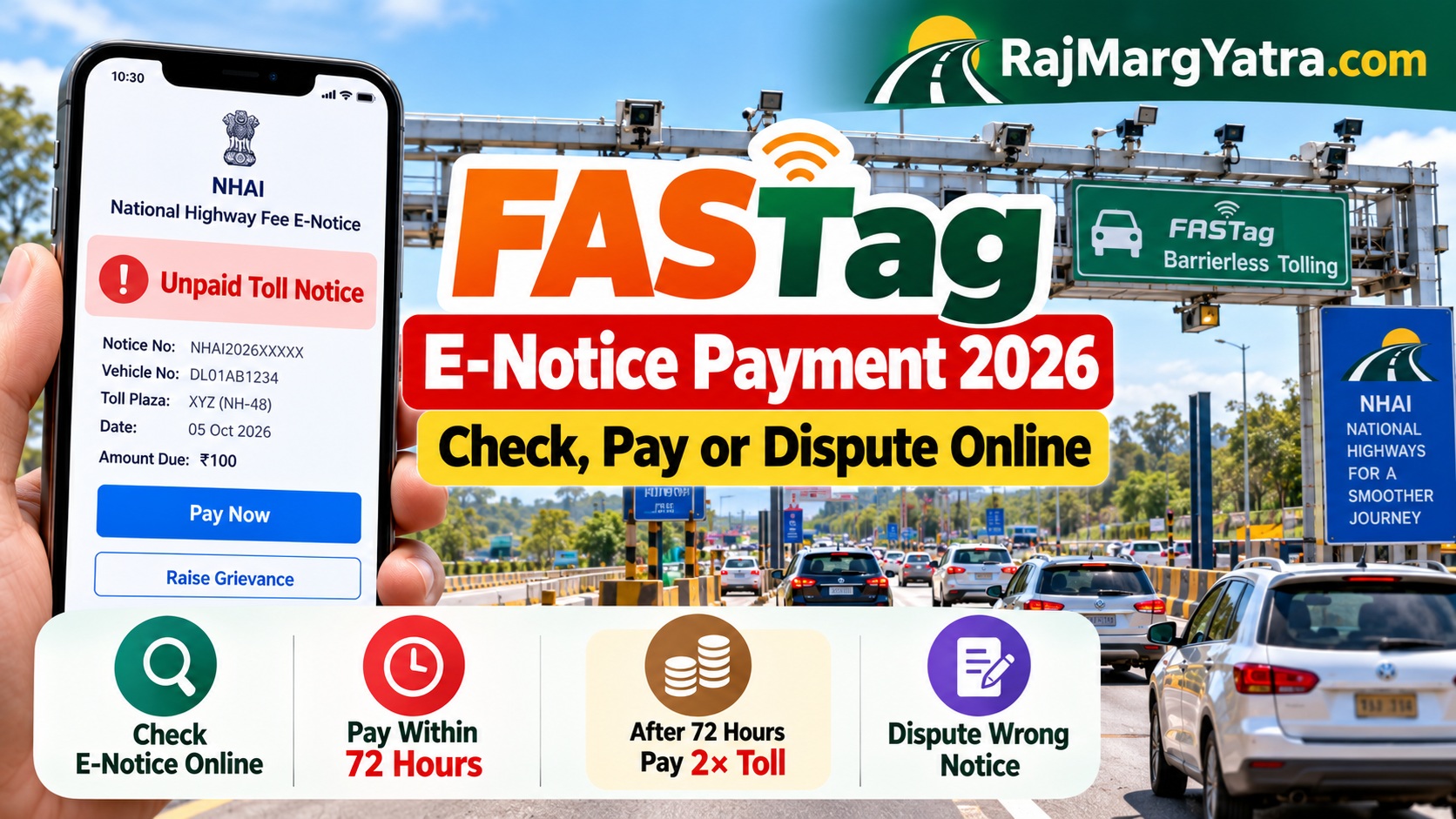
FASTag E-Notice Payment 2026: Check, Pay or Dispute
QUICK ANSWER — OCTOBER 2026
Received a FASTag e-notice for an unpaid toll? Visit the official NHAI e-Notice portal, verify your vehicle registration number using the OTP sent to your VAHAN-registered mobile number, and review the notice. Pay within 72 hours of issuance to pay only the original toll. After 72 hours, the amount payable is generally twice the applicable toll. If the notice is incorrect, submit a grievance within 72 hours.
A FASTag e-notice is not the same as an ordinary recharge reminder or toll deduction SMS. It is an electronic demand for a National Highway user fee that was not successfully collected even though the vehicle’s passage was recorded.
India’s expanding barrierless tolling system uses FASTag and automatic number-plate recognition (ANPR) to identify vehicles. An invalid FASTag, insufficient balance or an unsuccessful collection may lead to an unpaid-toll e-notice.
1. How to Check FASTag E-Notice Online
Use the government portal instead of following an unfamiliar payment link received through SMS or WhatsApp.
- Open the official National Highway Fee E-Notice Portal.
- Enter your vehicle registration number as requested.
- Authenticate using the OTP sent to the mobile number registered in VAHAN.
- Review the available e-notices for your vehicle.
- Check the toll location, date, vehicle details and amount demanded.
- Choose the payment or grievance option appropriate to your case.
Check FASTag E-Notice — Official Portal →
Alternative: NHAI also states that e-notices can be viewed in the Rajmargyatra mobile app.
2. FASTag E-Notice Charges: 72-Hour Rule
The National Highways Fee (Determination of Rates and Collection) (Second Amendment) Rules, 2026 took effect on 17 March 2026. They establish a formal recovery procedure for unpaid user fees.
| Payment situation | Applicable amount | Example: ₹100 toll |
|---|---|---|
| Within 72 hours of notice issuance | Normal toll (1×) | ₹100 |
| After 72 hours, if unpaid | Twice the toll (2×) | ₹200 |
| Notice appears incorrect | File representation within 72 hours | Subject to grievance review |
Important: The 72-hour period runs from issuance of the e-notice, not necessarily from when you first read the SMS. Check the issuance timestamp immediately.
Also Read : FASTag Blacklisted Despite Balance? Fix It in 2026
3. How to Pay an Unpaid FASTag Toll Notice
- Open the official e-Notice portal and complete vehicle/OTP verification.
- Select the outstanding notice after confirming it belongs to your vehicle.
- Review the payable amount and the time remaining before the 72-hour deadline.
- Use the payment options actually offered by the official portal.
- Wait for the payment result and retain the transaction reference or receipt.
- Check the notice status again to confirm that the payment has been recorded.
4. How to Dispute a Wrong FASTag E-Notice
You may need to challenge an e-notice if the vehicle number is incorrect, the recorded passage does not match your journey, or you have evidence that the toll was already collected.
The rules allow an affected vehicle owner or driver to submit a representation through the designated portal within 72 hours of issuance.
- Open the e-Notice portal and authenticate your vehicle details.
- Select the disputed notice.
- Use the available grievance or representation facility.
- Explain the problem clearly, referring to the notice number, date and toll location.
- Provide supporting evidence using the portal’s available submission options.
- Keep the complaint acknowledgement and check the decision.
Useful supporting records may include a FASTag debit SMS, issuer-bank transaction history, toll receipt or other journey evidence.
5. FASTag E-Notice Payment Failed or Pending?
If you attempted payment but the notice remains unpaid, avoid making repeated payments before checking the transaction outcome.
| Problem | What to check |
|---|---|
| Money debited but notice remains unpaid | Save bank/UPI reference, check portal status and raise a payment-related grievance if unresolved. |
| OTP not received | Check access to the VAHAN-registered mobile number and use available official support options. |
| Vehicle number not found | Check registration-number entry and whether a notice has actually been issued. |
| Wrong toll location or date | Submit a representation within the prescribed deadline with supporting records. |
| Notice received after payment | Compare the toll transaction, vehicle number and notice details before disputing. |
These are diagnostic checks, not confirmation that a particular portal error has a specific cause. Where payment remains unresolved close to the deadline, use the official grievance/support facility promptly and retain evidence of the attempted payment.
6. What Happens If an E-Notice Is Ignored?
The March 2026 rules provide that where an unpaid user fee remains outstanding beyond 15 days and no representation is pending, the amount may be recorded in the VAHAN system and restrictions may be imposed on vehicle-related services until the dues are cleared.
Separate amendments to the Central Motor Vehicles Rules also link unpaid National Highway user fees with services such as vehicle-transfer NOCs, fitness certification and certain commercial-vehicle permits.
7. How to Reduce the Risk of Future E-Notices
- Keep sufficient balance in your FASTag account.
- Ensure the FASTag is active and properly affixed to the windshield.
- Check that your vehicle has a clear, compliant High Security Registration Plate.
- Monitor toll deductions and investigate unusual or missing transactions.
- Keep vehicle and contact details current in the relevant official records.
8. Related RajMargYatra Guides
- FASTag Rules, Status and Services
- How to Recharge FASTag Online
- FASTag Recharge Using Vehicle Number
- Paranur Barrierless Tolling Guide
9. Official Government References
- MoRTH: National Highways Fee Rules Amendment, March 2026
- NHAI: E-Notice Verification, Payment and Grievance Guidance
- Official National Highway Fee E-Notice Portal
Quick Takeaway
Check your FASTag e-notice on the official government portal. Pay within 72 hours to avoid the doubled toll demand. If the notice is wrong, submit a representation within the same 72-hour window and retain the acknowledgement. Never pay an unverified toll notice through a suspicious SMS or WhatsApp link.
Editorial note: Updated 8 October 2026 using NHAI and Ministry of Road Transport & Highways announcements. This is an independent informational guide, not a government payment service.
3 thoughts on “FASTag E-Notice Payment 2026: Check, Pay or Dispute”