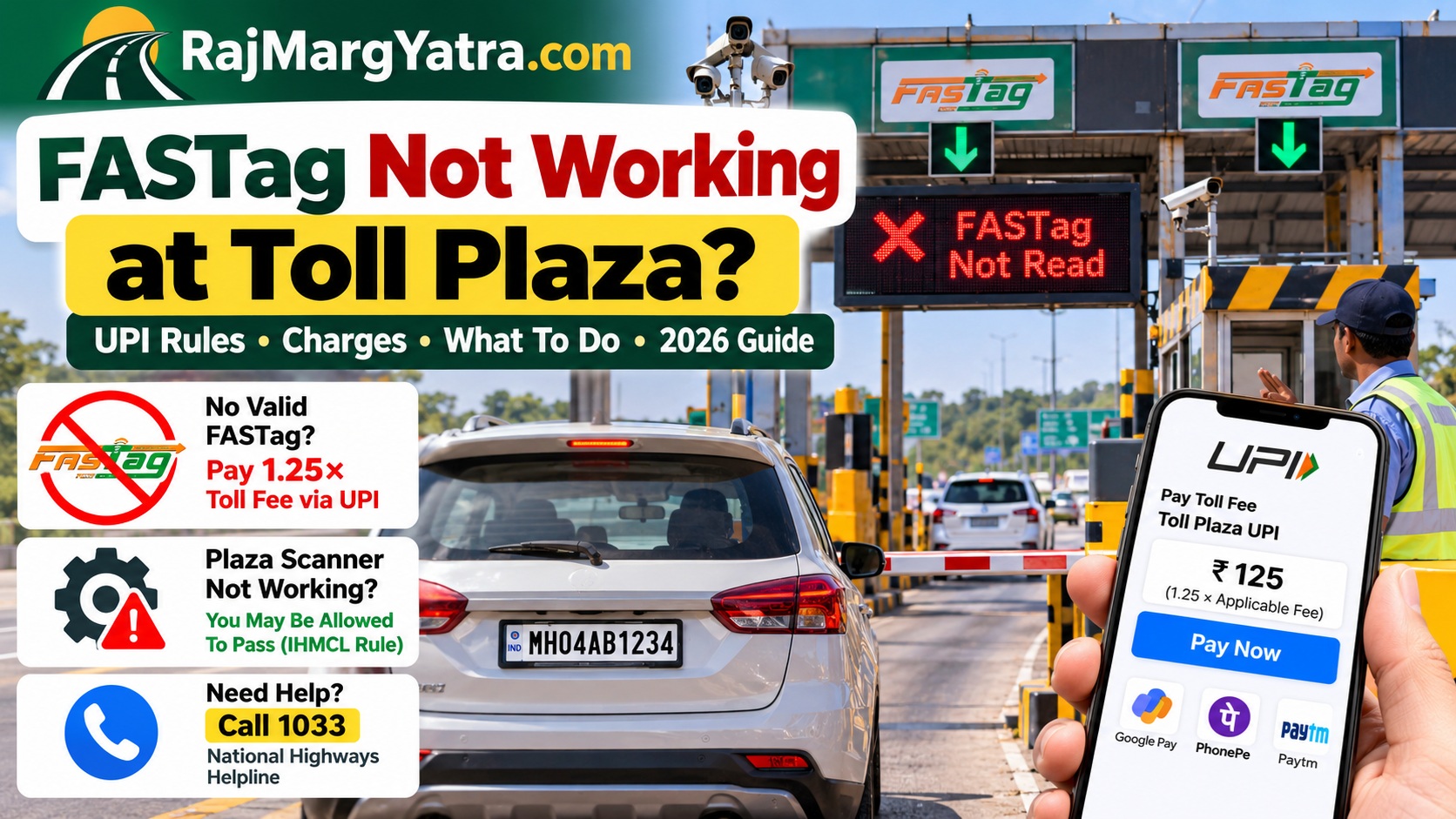
FASTag Not Working at Toll Plaza? UPI Rules 2026
Quick Answer
If your vehicle does not have a valid, functional FASTag, UPI payment at an applicable National Highway fee plaza is charged at 1.25 times the applicable user fee. For example, if the normal FASTag toll is ₹100, the UPI amount is ₹125. However, if your FASTag is valid and functional with sufficient balance but the toll plaza’s ETC equipment itself is not working, IHMCL’s FAQ says the vehicle should be permitted to pass without paying the toll.
Seeing FASTag not working at a toll plaza does not always mean there is a problem with your FASTag. The tag may be invalid, blacklisted or short of balance, but the toll plaza’s reader or ETC equipment can also fail.
That distinction matters because the payment rules are different. Use the checks below before paying again.
| Situation | What You May Pay | What To Do |
|---|---|---|
| Valid FASTag works normally | Normal applicable toll | Proceed normally |
| No valid/functional FASTag | 1.25× through UPI | Use the plaza’s authorized UPI payment process |
| Valid FASTag but plaza ETC equipment fails | IHMCL FAQ provides for passage without toll | Tell the operator and report the equipment issue |
Why Is the UPI Toll Charge 1.25 Times?
Under the National Highways fee rules, a vehicle entering an applicable fee plaza without a valid, functional FASTag can pay through UPI at 1.25 times the applicable user fee.
EXAMPLE
Normal applicable FASTag toll: ₹100
UPI charge at 1.25×: ₹125
This rule should not be confused with a situation where your FASTag is perfectly valid but the toll plaza’s own electronic toll collection equipment is malfunctioning.
Also Read : FASTag E-Notice Payment 2026: Check, Pay or Dispute
Is Your FASTag Faulty or Is the Toll Scanner Not Working?
Before paying again, try to identify what actually failed.
| Problem | Likely Situation | Next Step |
|---|---|---|
| Low balance | FASTag account issue | Recharge FASTag |
| Tag shows blacklisted/invalid | Issuer/account restriction | Check with issuing bank |
| Tag has sufficient balance but reader cannot scan it | Could be tag/read-equipment issue | Ask operator to confirm ETC status |
| Other vehicles also cannot scan | Possible plaza equipment failure | Report plaza problem |
What If the Toll Plaza FASTag Scanner Is Not Working?
Important: IHMCL’s FASTag FAQ states that where a motorist has a valid and functional FASTag with sufficient balance but the toll plaza’s ETC equipment is not working, the vehicle should be permitted to pass without paying the toll.
This is why you should not immediately assume that every failed scan requires another payment. Ask the toll operator whether the ETC equipment is functioning.
If necessary, report the problem through the National Highways helpline 1033.
FASTag Not Working: What To Do at the Toll Plaza
- Read the FASTag error shown by the operator. Check whether it indicates low balance, invalid tag, blacklist status or another issue.
- Confirm your FASTag balance. If your balance is insufficient, recharge the tag.
- Check whether the FASTag is active. An account restriction or blacklist can prevent normal toll processing.
- Ask whether the toll reader is working. This is especially important if your FASTag is valid and has enough balance.
- Use the authorized UPI payment option if the 1.25× rule applies. Verify the payment information before approving the transaction.
- Save your payment confirmation. Keep the UPI transaction ID, toll receipt and FASTag deduction message.
What If FASTag Was Valid but You Were Charged Again?
Do not delete your transaction messages. Keep:
- FASTag deduction SMS or app notification
- UPI transaction ID
- Toll plaza name
- Date and approximate time
- Vehicle registration number
- Toll receipt, if issued
IHMCL’s FASTag guidance provides a complaint process for incorrect deductions. Your FASTag issuing bank can investigate the transaction and raise the appropriate dispute or chargeback when applicable.
Account-specific deduction or FASTag status: Contact your FASTag issuing bank.
How To Avoid FASTag Problems Before Your Next Trip
- Check your FASTag balance before starting a highway trip.
- Recharge before reaching the toll plaza.
- Make sure the tag is active and not blacklisted.
- Resolve pending KYC or issuer-account problems.
- Make sure the FASTag belongs to the vehicle you are driving.
- Keep a working UPI app available as a payment fallback.
Need To Recharge FASTag?
If low balance caused the problem, use our FASTag Recharge Guide or learn how to recharge FASTag using your vehicle number.
You can also visit our FASTag Guide for information about status, KYC, blacklisting and current FASTag rules.
Official FASTag Resources
For current rules and transaction-specific help, refer to the official IHMCL FASTag FAQ and National Highways Authority of India (NHAI).
Quick Takeaway
Do not treat every FASTag scan failure as the same problem. If there is no valid functional FASTag, the applicable UPI toll can be 1.25× the normal user fee. If your valid FASTag has sufficient balance but the plaza’s ETC equipment itself is not working, the IHMCL equipment-failure rule is different. Confirm the cause before paying again and keep transaction evidence if you need to dispute a charge.
One thought on “FASTag Not Working at Toll Plaza? UPI Rules 2026”